
A customisable platform that empowers Australian accounting and bookkeeping firms to manage clients, workflows, billing, and documents — all in one place.

Running an accounting or bookkeeping practice in Australia means managing client deadlines, compliance work, staff capacity, and constant admin. Most firms rely on a mix of spreadsheets, emails, shared drives, and separate tools. This creates extra steps, scattered information, and more room for errors.
Clevero brings everything into one place. It connects with your existing accounting tools like Xero and MYOB, automates routine workflows, and gives your team a clear view of every client, job, and document from onboarding through to invoicing.
Whether you’re a sole practitioner, a growing bookkeeping firm, or a multi-partner practice, Clevero adapts to how your business already operates. You get more control, less admin, and a system that supports the way you work.


Accounting practice management software supports accountants and bookkeepers by managing the operational side of their practice—everything surrounding client financial records, rather than the records themselves.
While platforms like Xero or MYOB handle clients’ financial data, practice management software manages onboarding, job assignments, task tracking, deadlines, invoice follow-ups, document storage, and workload reporting.
For Australian firms, it should integrate seamlessly with local platforms like Xero and MYOB, support ATO compliance workflows, and scale as your client base grows.
The outcome: a practice running on consistent processes instead of individual habits, where nothing slips through the cracks and your team always knows what’s on and what’s next.
Connect Clevero to your preferred accounting platform to view, edit, and report on your firm’s finances without re-entering data. Sync tracking categories including:
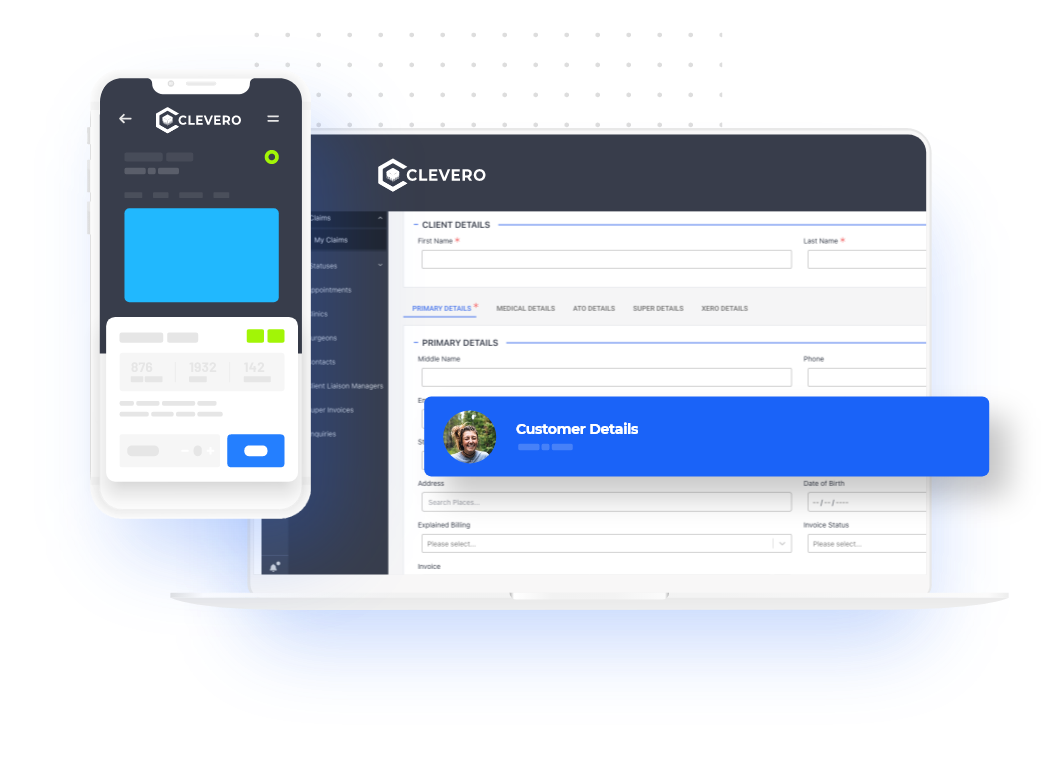
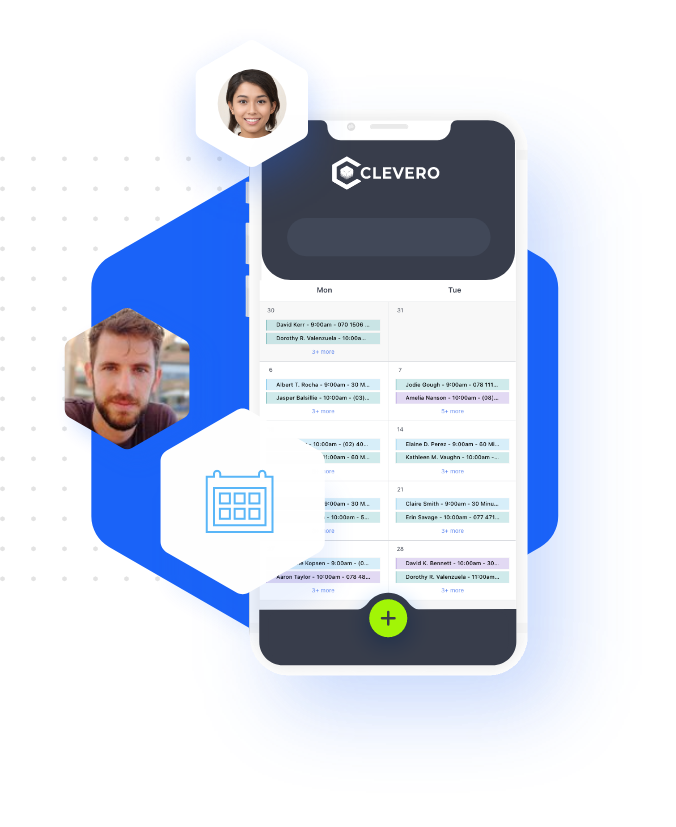
Move beyond spreadsheets and paper trails. Your team can manage daily operations in one connected platform—without switching between systems to find timesheets, check leave, or approve expenses.
No matter how your firm is structured, Clevero keeps your operations organised and accessible—without relying on multiple tools or scattered information.


Never miss an invoice again. Automate billing to free your team to focus on client work.
Most Australian accounting and bookkeeping firms run on Xero or MYOB, as do their clients. Clevero integrates directly with both, keeping your practice management and accounting data connected without double entry.
Enterprise software often introduces complexity that smaller firms don’t need. Clevero is designed to be practical and easy to manage, without requiring heavy setup or ongoing IT support.


Contact us today for a free online consultation and see how accounting practice management software australia can streamline operations and automate daily work inside your all in one accounting software platform.

For Australian accounting and bookkeeping firms, handling client demands, compliance deadlines, and administrative work can quickly become overwhelming without the right systems in place. Many teams rely on disconnected tools such as spreadsheets for tracking, separate document storage, and email for communication, instead of a single accounting practice management software platform. This approach often causes double-handling, slows workflows, and makes it harder to keep client work organised and on schedule.
Rather than switching between spreadsheets, email threads, and multiple apps, firms can centralise tasks, documents, and communication using workflow management software for accounting firms and structured bookkeeping practice management software. This reduces friction across daily operations and prevents missed details, duplicated work, and unnecessary administration for your team.
With an integrated solution, client information becomes instantly accessible, and your team clearly understands what needs to be done and when, without searching through inboxes or shared drives. This is exactly what accounting practice management software Australia is designed to provide, clarity, control and consistency across everyday processes while supporting collaboration.
This guide explains in simple terms how a connected system works for Australian firms. It automates onboarding and workflow steps using workflow software for accounting firms australia, improves visibility and reduces admin effort while keeping your team aligned. The sections below outline the key benefits and practical features that help deliver smoother client service with less manual work.
It’s a system that centralises and automates an accounting or bookkeeping firm’s operations, including client data, workflows, tasks, documents, and communication, all in one platform. This reduces the need to manage multiple tools and improves visibility across your practice.
Practice management software supports your firm’s operations, including onboarding, job tracking, task assignment, document management, billing, and reporting. Standard accounting software manages your clients’ financial records. Used together, they help keep both financial data and operational workflows aligned.
It solves disconnected systems, manual processes, and limited team visibility by centralising operations, automating routine tasks, and providing real-time job progress insight.
Clevero automates onboarding with structured workflows, templates, and automated reminders. This reduces back-and-forth and keeps client information organised from the start.
Yes. Clevero can automate tasks such as assignments, reminders, invoicing steps, and document handling, helping reduce manual work and improve consistency across your processes.
Yes. It supports recurring workflows for regular work like monthly bookkeeping and integrates with platforms like Xero and MYOB, making it practical for ongoing client work.
Clevero is designed with data security in mind, using secure infrastructure and access controls to protect client information. For specific data hosting and compliance details, it’s best to confirm directly with the Clevero team.

Clevero connects your business tools to build a seamless tech stack — from accounting and payment platforms to communication tools and CRMs — so your team works smarter, not harder.


















Join Australian accounting and bookkeeping firms who have unified their operations on one connected platform. Book a free, personalised demo and discover how Clevero fits your workflows.