
Build powerful interactions and boost efficiency with customisable client journeys

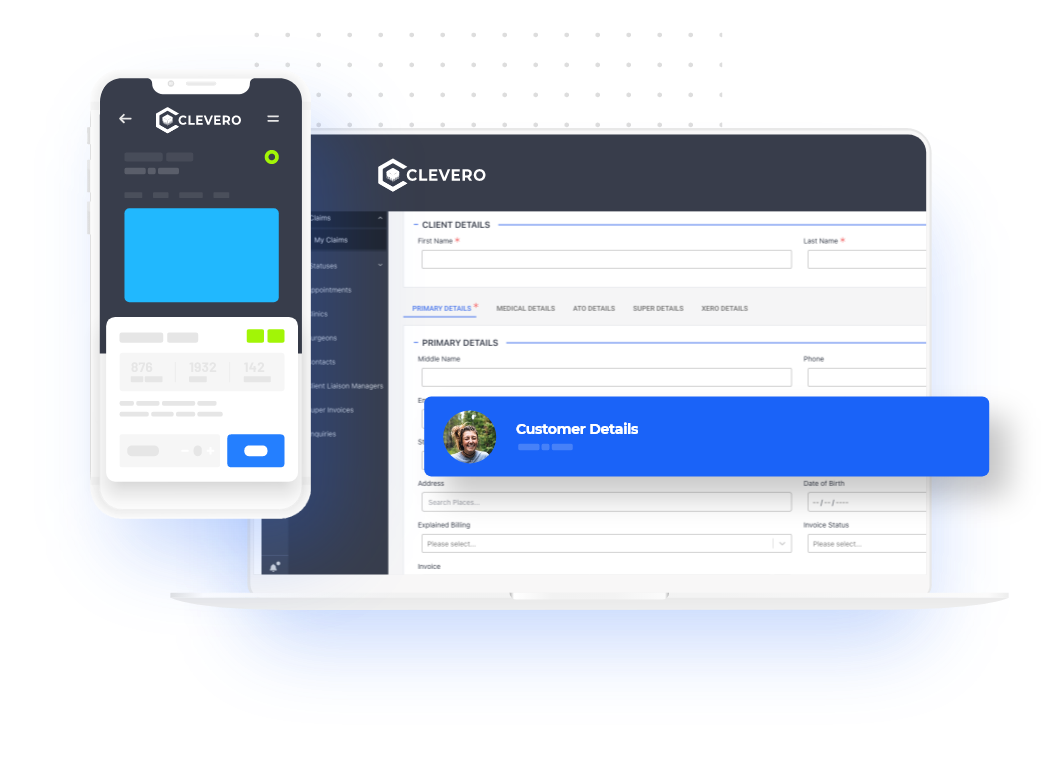
Keep all your client data organised in one simple, customisable system built for advisors using business management software for consultants.
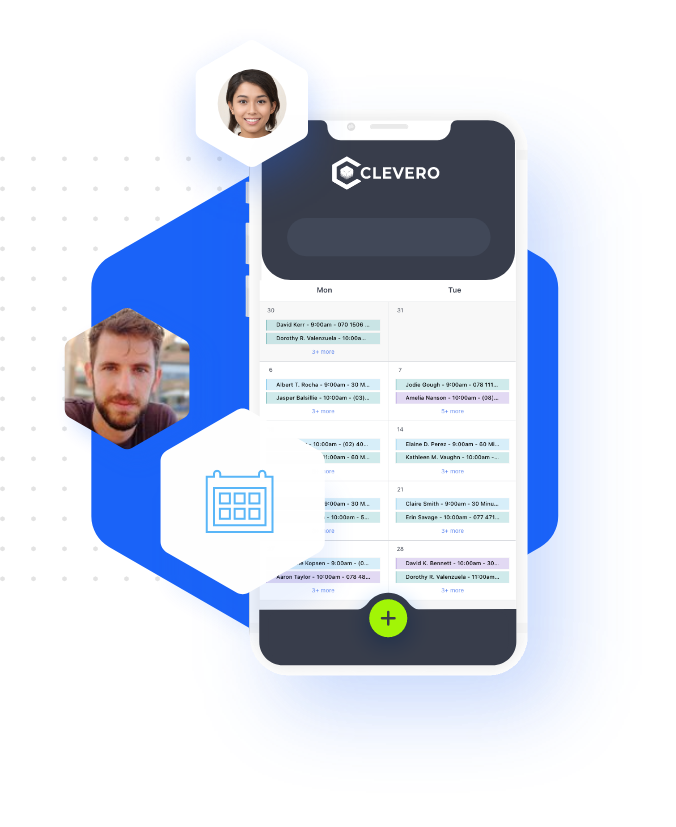
Reduce the time it takes to confirm appointments and allow new clients to book consultations easily through your consulting business management software, powered by professional services automation software.
These scheduling features work alongside other professional services automation software tools to keep client bookings consistent.
Stay on top of your work in one place using visual tracking tools built into consulting project management software powered by professional services automation software.


Move away from manual records and spreadsheets and track every payment and operating cost in one place using psa software for consultants built on professional services automation software.
All billing features connect directly with your psa software for consultants for complete financial visibility.
and much more…

Clevero Connects All Your Other Business Tools Together To Create A Seamless Technology Stack


















Contact us today for a free online consultation to see how professional services automation software can help streamline and automate your daily operations using the reliable business advisor software.

Running a service-based business in Australia often means juggling client demands, project deadlines, and admin tasks. If you’re a business owner or operations lead, you know the pressure of manual work, scattered information, and constant follow-ups.
A PSA tool brings smoother project delivery, centralised communication, and simpler billing—all in one system. A PSA tool helps reduce admin, improve visibility, and keep your workflows consistent.
This guide explains how a PSA tool can transform your workflows. We’ll look at how these systems work, the benefits for Australian service businesses, and why more firms are using them to grow efficiently.
The goal is simple: help you save time, stay organised, and focus on delivering client work.
A professional services automation (PSA) tool is a cloud-based system that helps service businesses manage projects, clients, teams, and billing in one spot. It serves as a central hub, linking sales, project planning, task management, time tracking, invoicing, and reporting. This keeps work moving without needing to manage steps across different tools. It eliminates the need to switch between multiple tools, cuts down on double-handling, and ensures your data stays accurate. For Australian firms, it means less admin work, clearer visibility, and more time for client projects rather than chasing updates.
Takeaway: A PSA tool combines your core processes into one organized system, providing a reliable, central source of truth for your service operations.
Australian service businesses are turning to PSA tools to manage growing workloads and keep client work moving smoothly. These systems cut down on manual data entry, replace disconnected tools, and offer a clearer view of project performance in real time. With automated workflows, teams can focus more on client work and less on admin tasks.
PSA tools give owners and operations leads clearer visibility of workloads, reduce common admin errors, and help projects stay on track without constant manual oversight. This results in smoother delivery and increased confidence in how work flows through the business.
Takeaway: PSA tools help Australian service businesses cut admin, improve visibility, and manage projects with greater consistency.
A PSA tool connects every stage of project delivery in one place, reducing manual handovers. Teams can handle planning, resource allocation, tasks, and progress updates in one system, cutting down on double-handling.
With centralised planning and live updates, project managers can assign tasks, monitor deadlines, and identify issues early. This reduces back-and-forth and gives everyone access to the same up-to-date information.
The result is a clearer workflow that gives your team better control and fewer admin hold-ups.
Takeaway: Use a PSA tool to centralise planning, execution, and tracking for smoother project delivery.
A PSA tool centralizes client communication by bringing messages, documents, and project updates into one space. This eliminates the need for scattered email threads or separate apps, ensuring your team can access the same, up-to-date information anytime.
Clients can log in to view progress, share feedback, and access files when they need them. This creates a clear, organised communication channel your team and clients can rely on. It reduces misunderstandings, cuts down on back-and-forth, and helps your team work together more easily.
Takeaway: Use a PSA tool to centralize communication, enhance transparency, and strengthen client relationships with less admin work.
Yes, a professional services automation (PSA) tool can automate most billing and invoicing tasks. This turns a manual, time-consuming process into a straightforward, automated workflow. A PSA tool connects time tracking, expenses, and project progress. Invoices are generated automatically based on your billing rules—whether fixed-fee, time and materials, or milestone-based.
With billing handled in the background, your team spends less time preparing invoices. This reduces billing errors and keeps your records consistent. It helps clients pay on time by sending clear invoices and optional automated reminders. This improves cash-flow visibility and reduces the manual billing work your team handles each month.
Takeaway: PSA tools automate billing by pulling in accurate project data. This helps your business invoice faster, reduce errors, and improve cash flow.